

Speed Up Your Web Pages to Increase Conversions and Sales
Alan Robezzoli • January 7, 2022

A large piece of any
internet marketing strategy
is search engine optimization (
SEO
), and optimizing your web pages’ load time is a key component of SEO. How quickly your page loads so that visitors can see your content affects both Google rankings and user experience (which affects sales and conversion rates). And when it comes to the internet, even a few seconds can have a huge impact.
In May 2021, Google launched a “Google Page Experience” update, which includes metrics in Google’s Web Vitals related to a site’s loading speed. Google – the most widely used search engine – states, “Speed is now a landing page factor for Google Search and Ads.” Therefore, if you want to rank high on Google’s search engine results page (SERP), your pages need to load quickly.
Perhaps even more important is how a slow website affects customers’ experience and reaction to that experience. According to HubSpot …
In May 2021, Google launched a “Google Page Experience” update, which includes metrics in Google’s Web Vitals related to a site’s loading speed. Google – the most widely used search engine – states, “Speed is now a landing page factor for Google Search and Ads.” Therefore, if you want to rank high on Google’s search engine results page (SERP), your pages need to load quickly.
Perhaps even more important is how a slow website affects customers’ experience and reaction to that experience. According to HubSpot …
- The first five seconds of page-load time have the highest impact on conversion rates.
- Website conversion rates drop by an average of 4.42% with each additional second of load time (between seconds 0-5).
- Nearly 70% of consumers admit that page speed impacts their willingness to buy from an online retailer.
- As page load time goes from one second to ten seconds, the probability of a mobile site visitor bouncing increases 123%.
- The likelihood of bounce increases 32% as page load time goes from one second to three seconds.
Here are six tips to help improve your website's speed:
Optimize Images
Good images help improve the quality of your website, but they’re also a factor in how long it takes a page to load. If you want your pages to load quickly, you should compress images to be no larger than what is needed. You should also use a suitable format. Typically, PNGs are best for graphics with fewer than 16 colors, and JPEGs are best for photographs.
Google
offers tips for optimizing the most common formats - GIF, PNG, and JPEG.
Eliminate Unnecessary Plugins
A plugin is software that adds additional features or increases the functionality of an existing application. Popular plugins include Yoast, Google Analytics, and Contact Form 7. These plugins can enhance your website users’ experience, but too many plugins, outdated plugins, or plugins that aren’t maintained can slow page speed (and cause security threats).
Enable GZIP Compression
GZIP is the standard file compression software for the web. It compresses files so that data can transfer more quickly over the internet.
Google
states, “Enabling gzip compression can reduce the size of the transferred response by up to 90%, which can significantly reduce the amount of time to download the resource, reduce data usage for the client, and improve the time to first render of your pages.”
Remove Render-Blocking Java Script
JavaScript – used on most websites - is a piece of code on your website that allows you to control multimedia, animate images, and more. Unfortunately, render-blocking resources are part of that code that prevent a web page from quickly loading. HubSpot offers these
suggestions
for removing render-blocking code from your website.
Minify CSS, JavaScript, and HTML
Minifying means optimizing your code by removing unnecessary spaces, commas, characters, and other unnecessary elements to reduce file size. Google offers
recommended
resources to minify your HTML, CSS, and JavaScript.
Minimize URL Redirects
A redirect causes a browser to move from one URL to another, and too many can increase loading times. Each additional redirect in a URL makes your page load more slowly, forcing your visitor to spend time waiting for the redirect to be completed.
Does Your Website Increase Leads, Conversions, and Sales?
To compete in today’s fast-paced online world, you need to do more than design a pretty website. If you want more leads, conversions, and sales, you need a website based on a well-crafted online marketing strategy, backed by smart SEO. THAT is precisely what PMI does!
✔︎ Contact us today at 484-297-6395 or contact us online to learn more about our marketing-driven web design strategy!
✔︎ Contact us today at 484-297-6395 or contact us online to learn more about our marketing-driven web design strategy!

On-page SEO guide for small businesses: map keywords to pages, write title tags and meta descriptions, structure headings, and build internal links that rank.
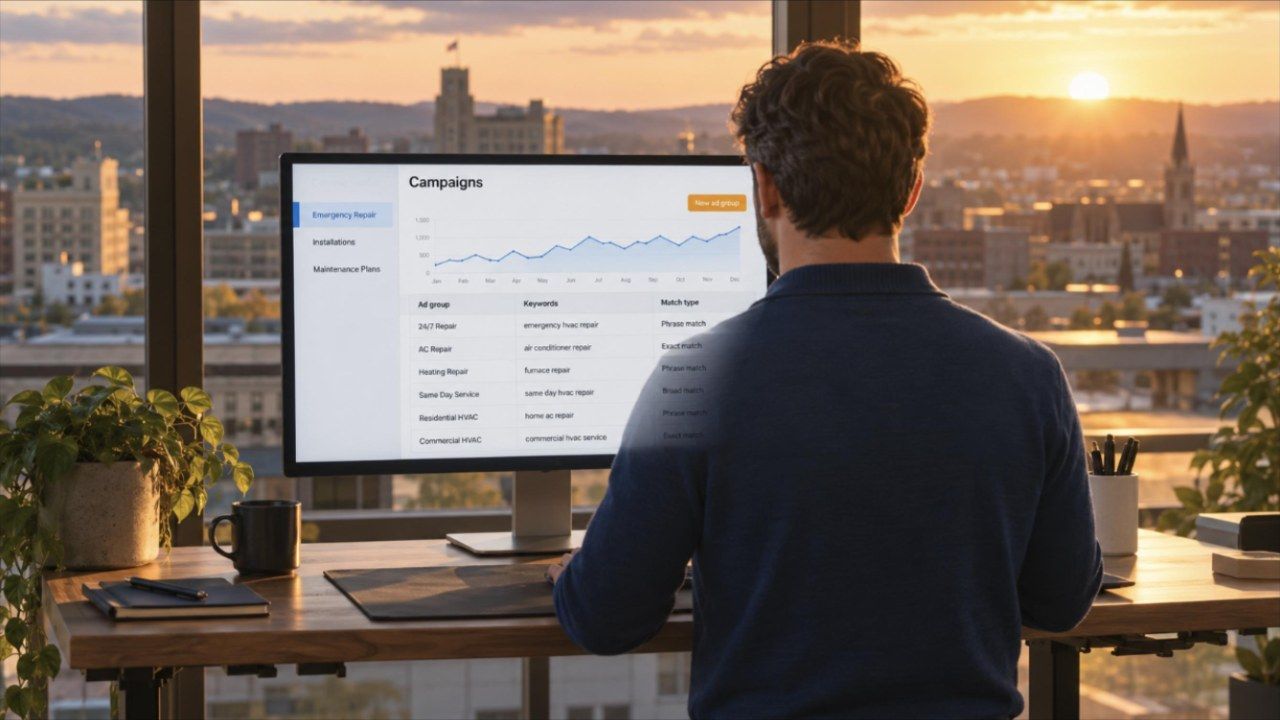
Google Ads campaign structure explained: when to split campaigns, how tight ad groups should be, which match types to use, and how audience targeting works.

Conversion-focused web design explained: page order, messaging, phone-first layout, CTA design, short forms and landing pages that turn visits into leads.
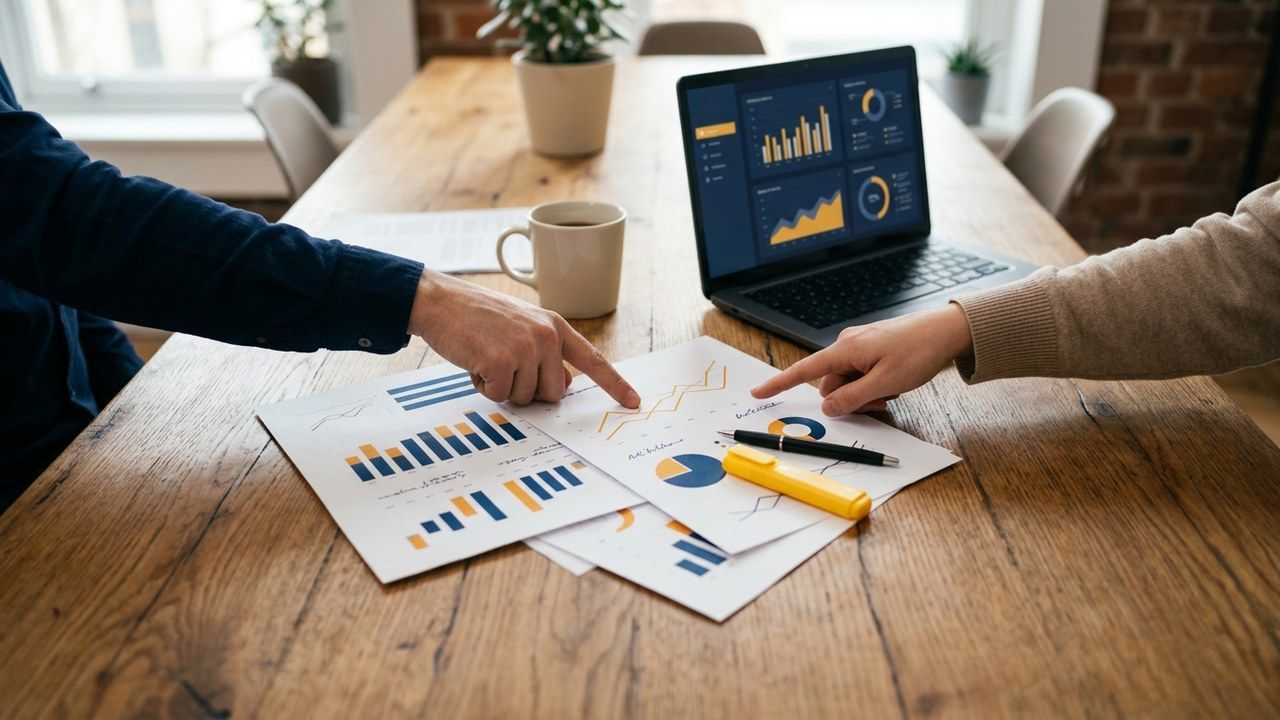
Marketing analytics for small business, explained: GA4 tracking, funnel KPIs, attribution, cost per lead, ROI and reports that turn data into decisions.

Google Ads for small business done right: structure, landing pages, conversion tracking, bidding, LSA and weekly optimization that turn clicks into real leads.

Small business SEO explained: on-page, link building, local Map Pack, technical SEO, E-E-A-T, AI answers and the KPIs that predict revenue for PA businesses.